

What Grok Imagine Image is good at
- Text-to-image generation: creates single images from a text prompt describing the scene and style
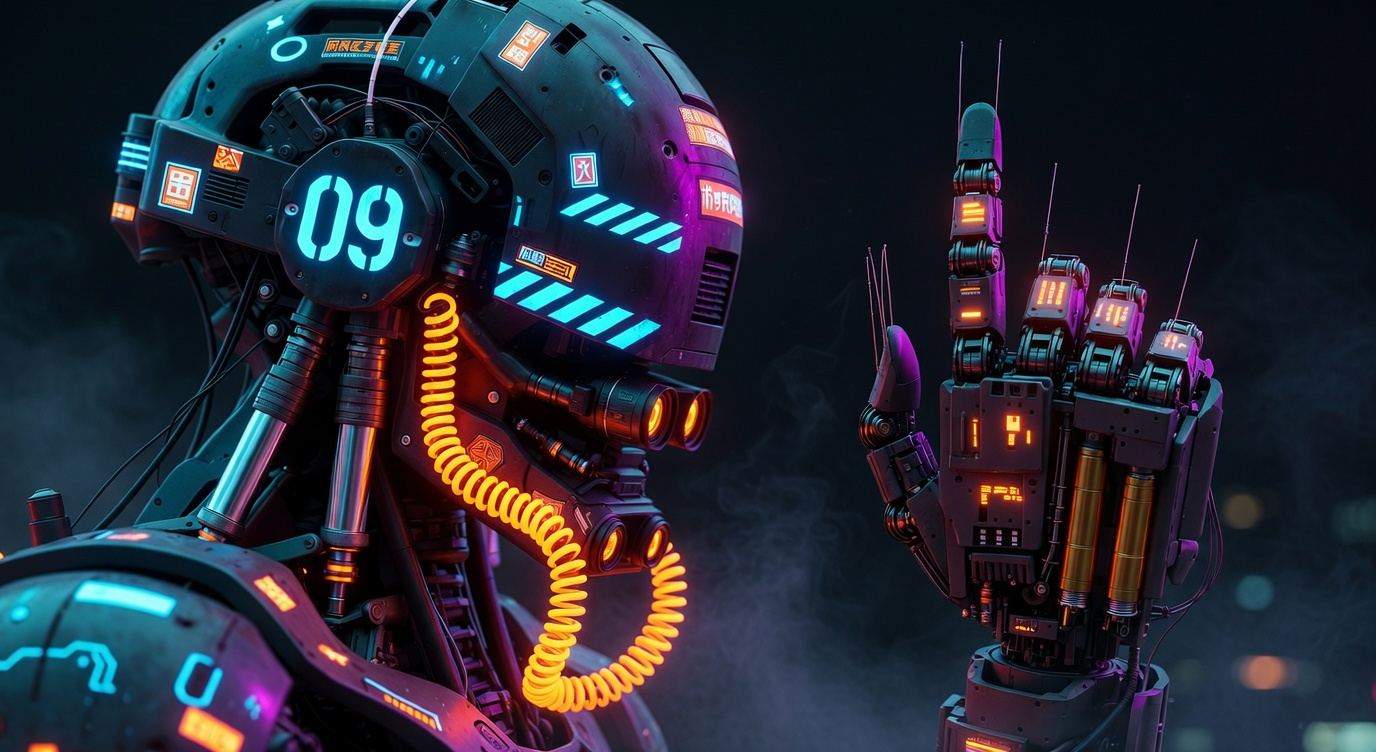
- Natural-language image editing: edits an uploaded image based on your prompt while keeping the original composition, changing the scene, lighting, or style
- Flexible aspect ratios: supports 13 aspect ratios, including
1:1,16:9, and9:16 - Resolution options: outputs at 1K or 2K
Example outputs
Text-to-image generation from a single prompt: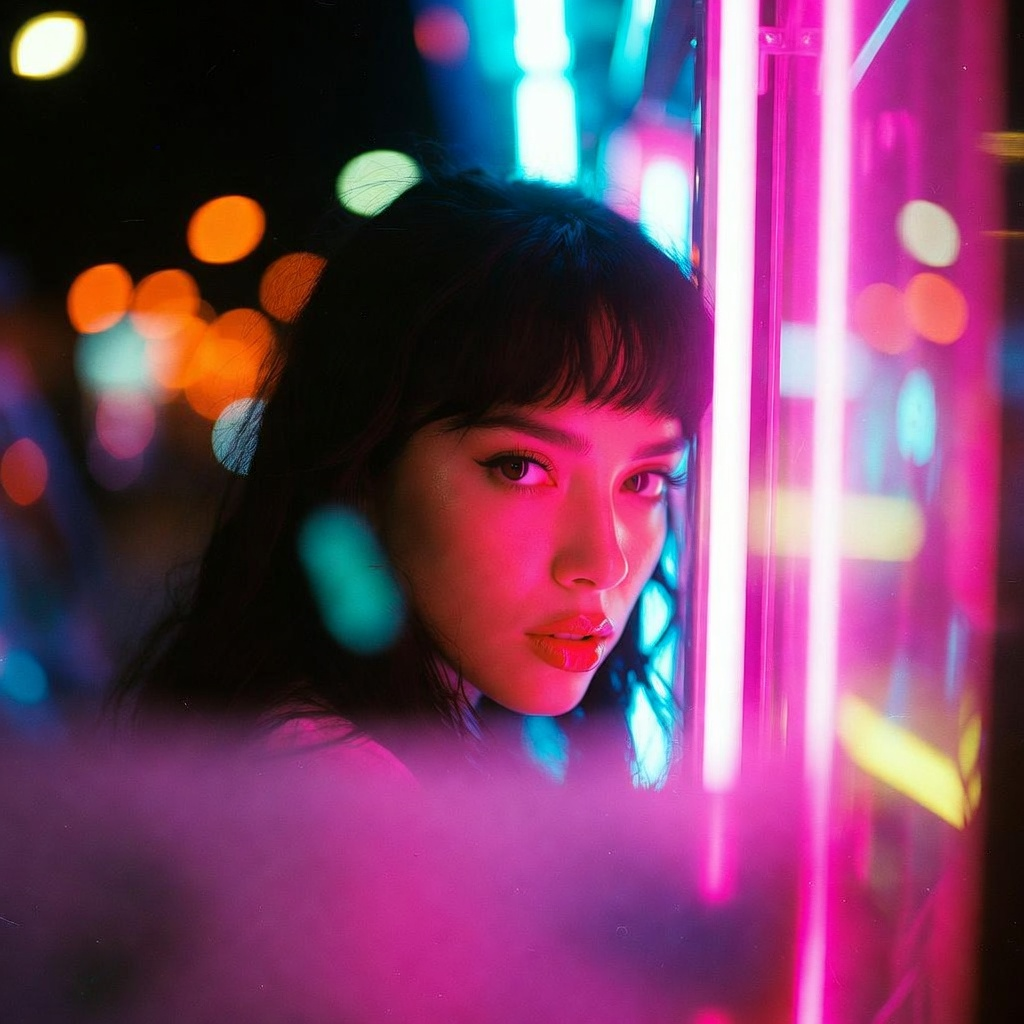 Image editing with natural-language instructions, keeping the original composition:
Use it in ComfyUI
Grok Imagine Image workflows
Run the text-to-image and image edit workflows in ComfyUI, locally or on Comfy Cloud